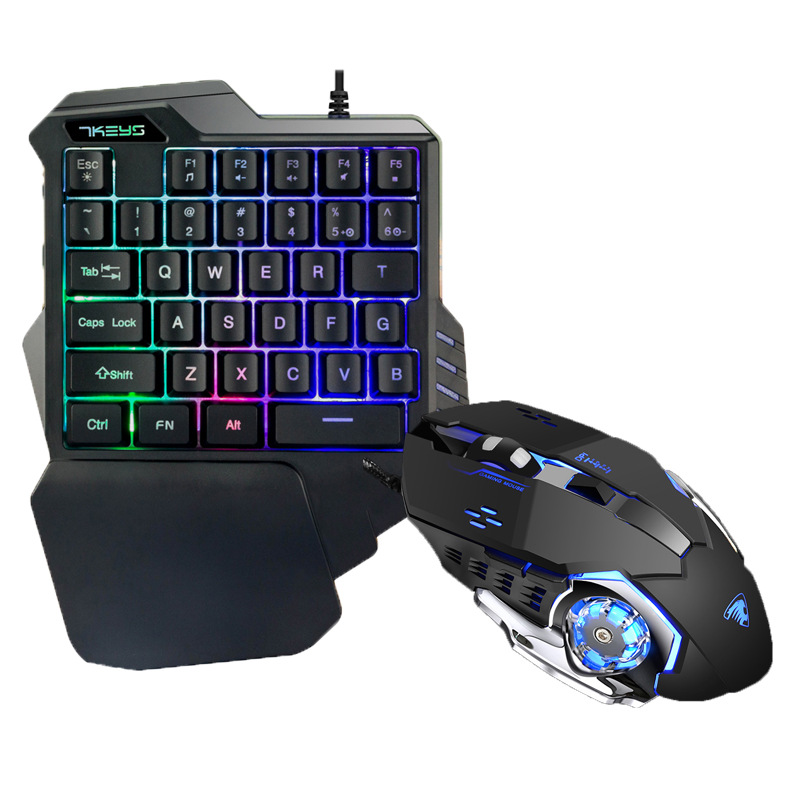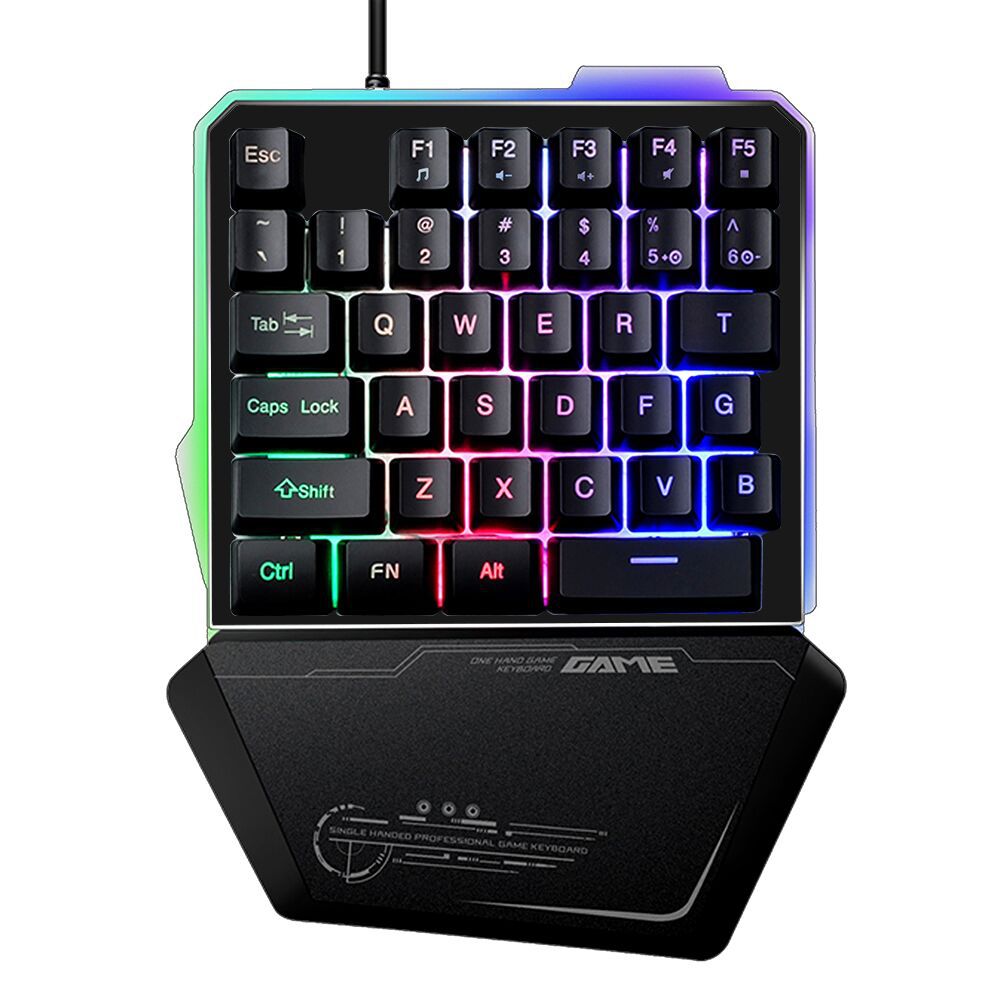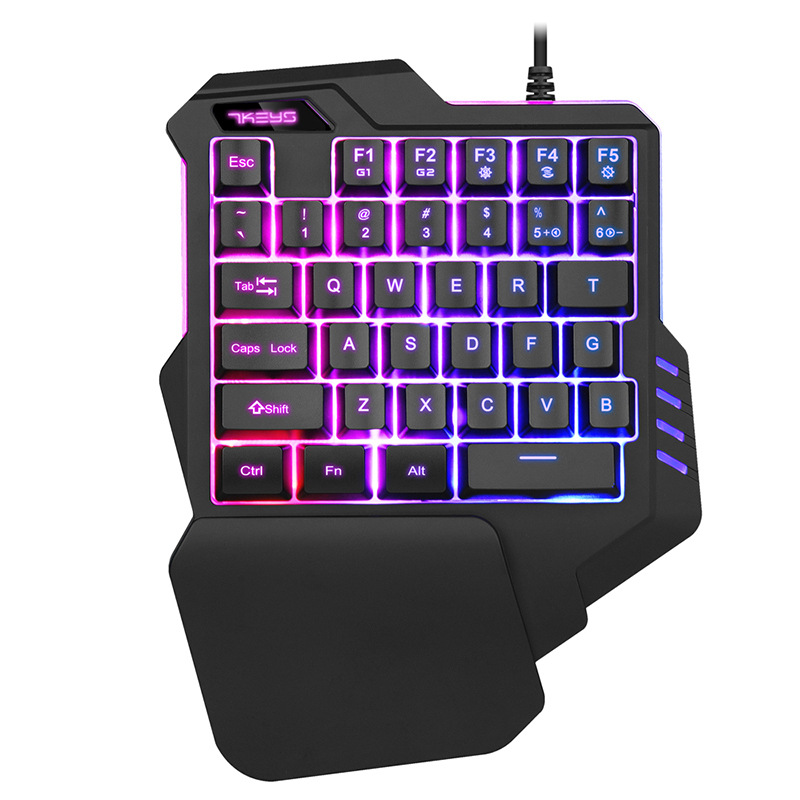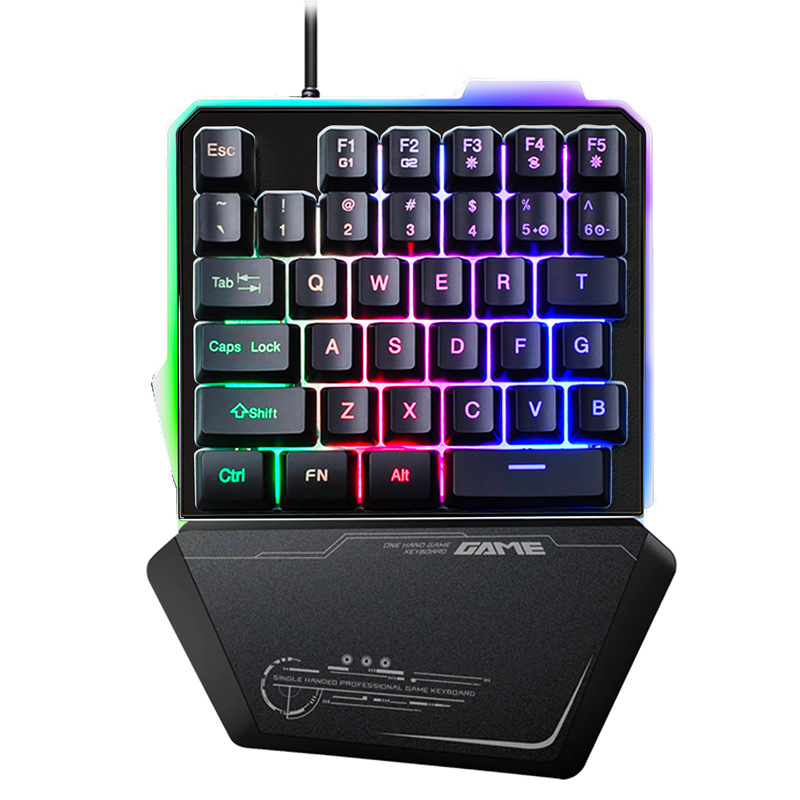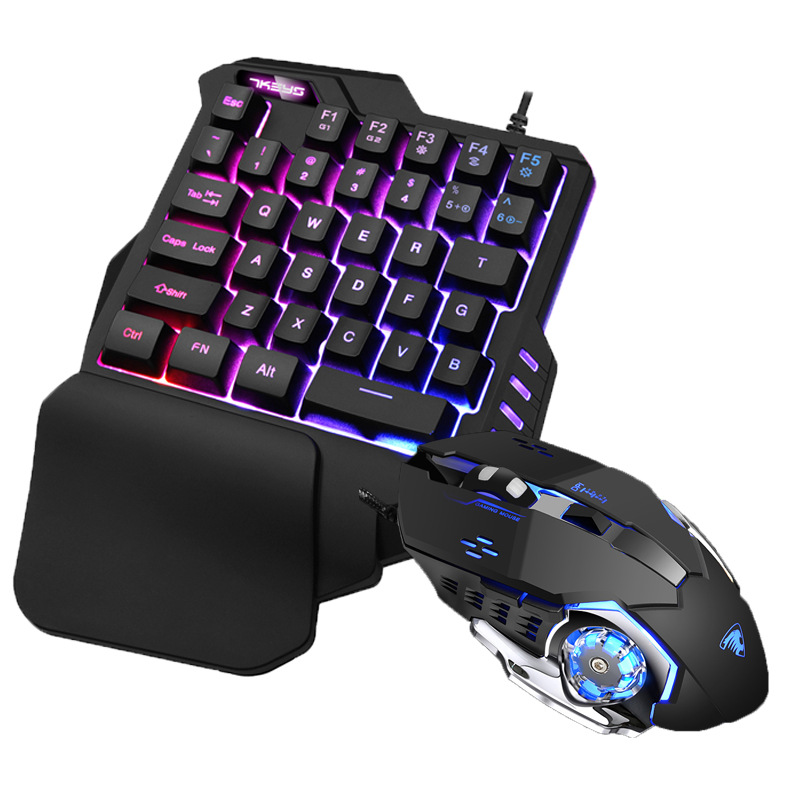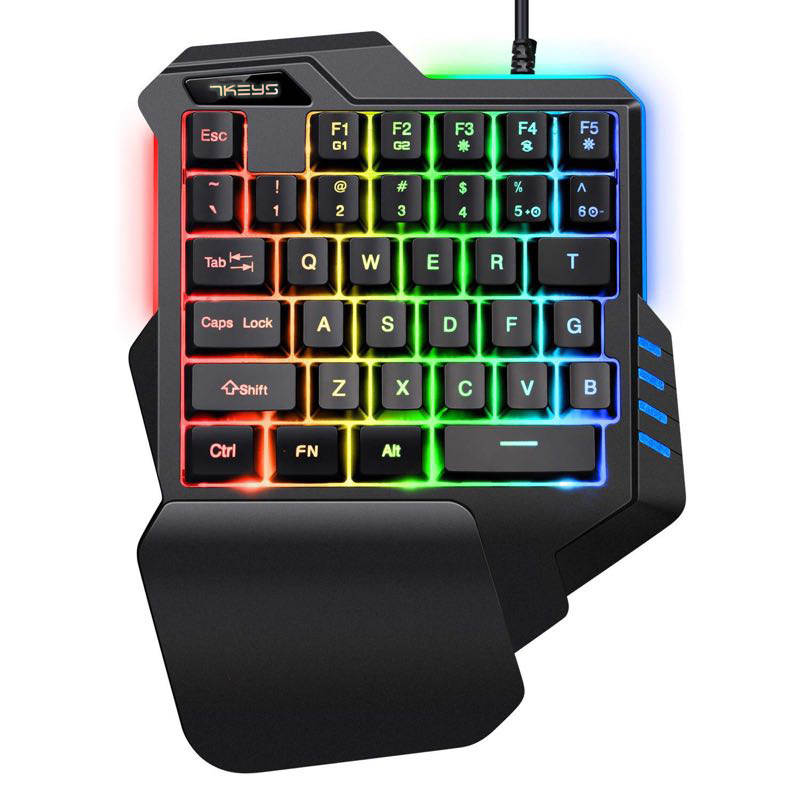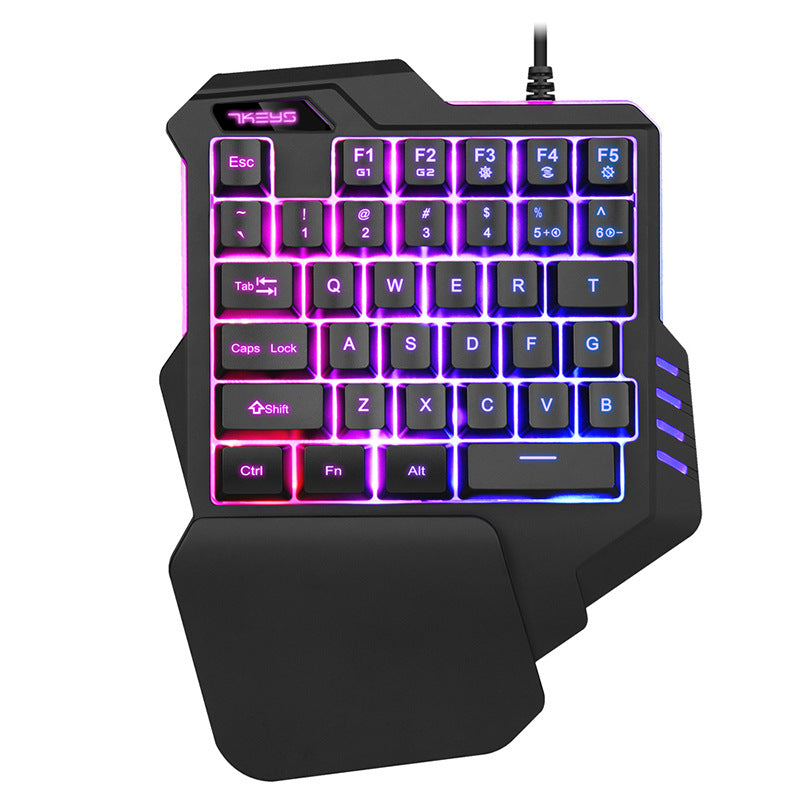
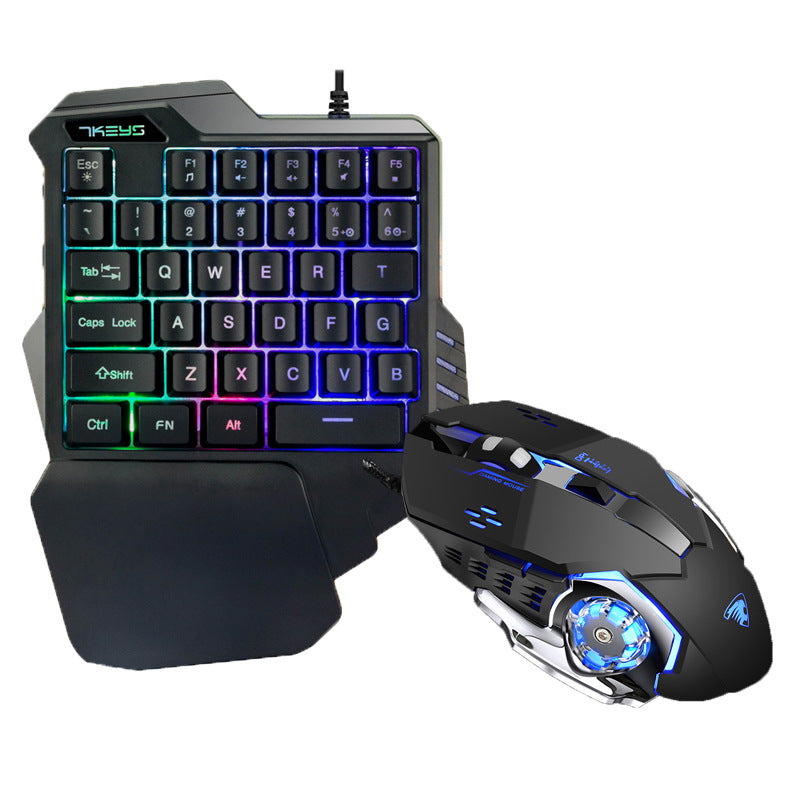
One-Hand Gaming Keypad
Enhance your gaming precision with our one-hand gaming keypads, designed for comfort and speed. Perfect for FPS, MOBA, and MMO games, these compact keypads put essential controls at your fingertips. With ergonomic design, customizable keys, and responsive switches, our one-hand gaming keypads let you execute combos, macros, and rapid actions effortlessly. Whether you’re a casual or competitive gamer, experience smoother gameplay, faster reactions, and ultimate control with a dedicated one-hand gaming keypad. Ideal for intense gaming sessions, these keypads combine portability and performance for every gamer.
Product information:
Interface: USB
Product size: 227*170*36mm
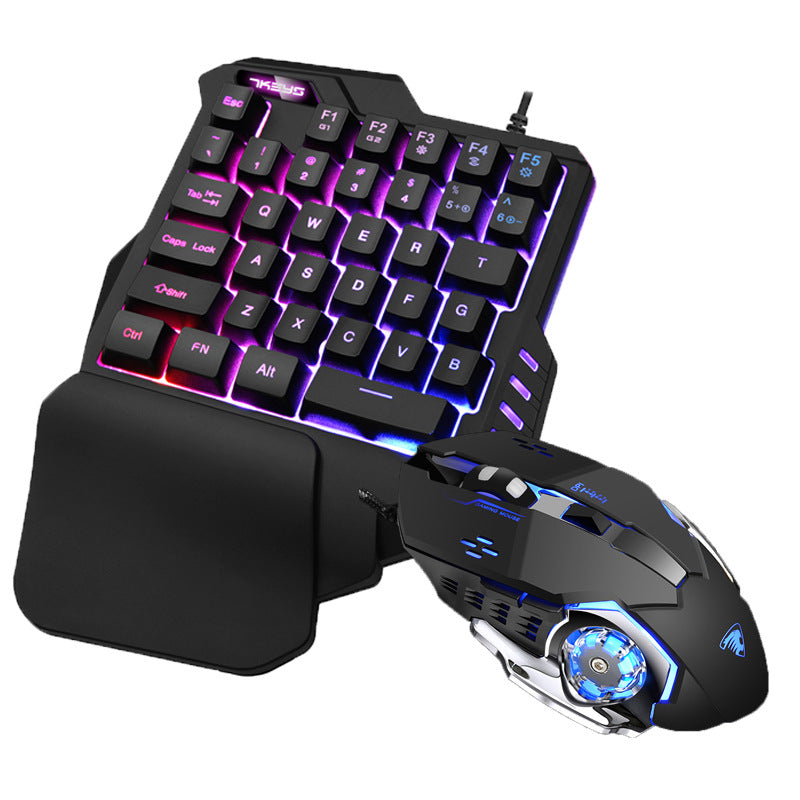
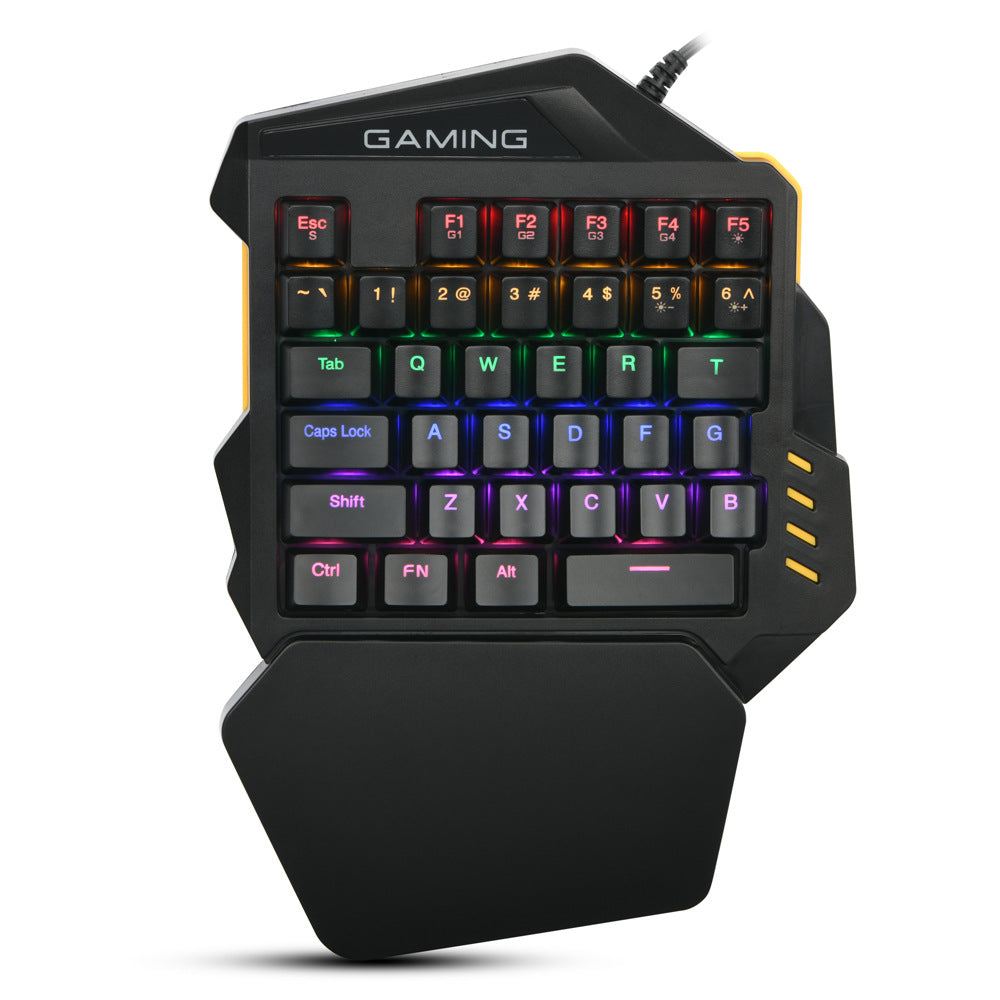
Color: mixed color version, 7 kinds of RGB light, G30 single mixed plus G3 mouse, G30RGB+G3 mouse, G40 single mixed, G40RGB
Features:
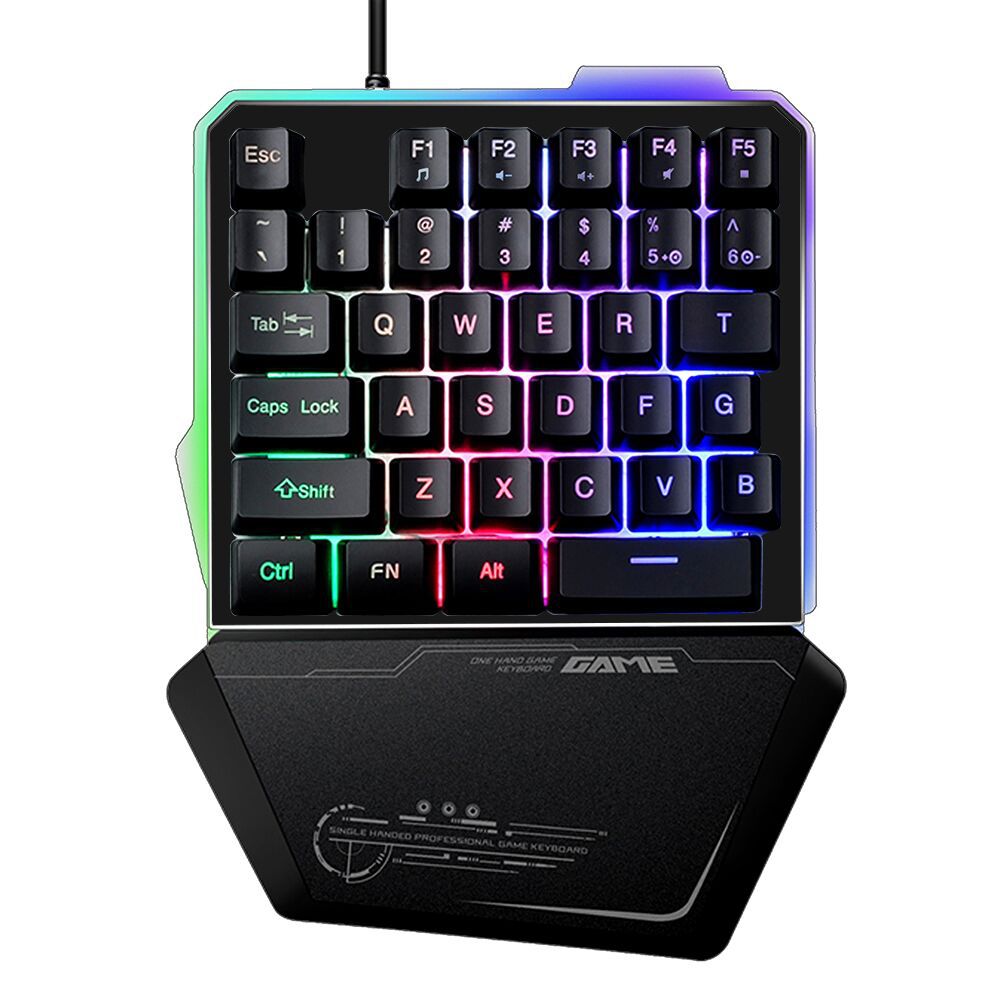
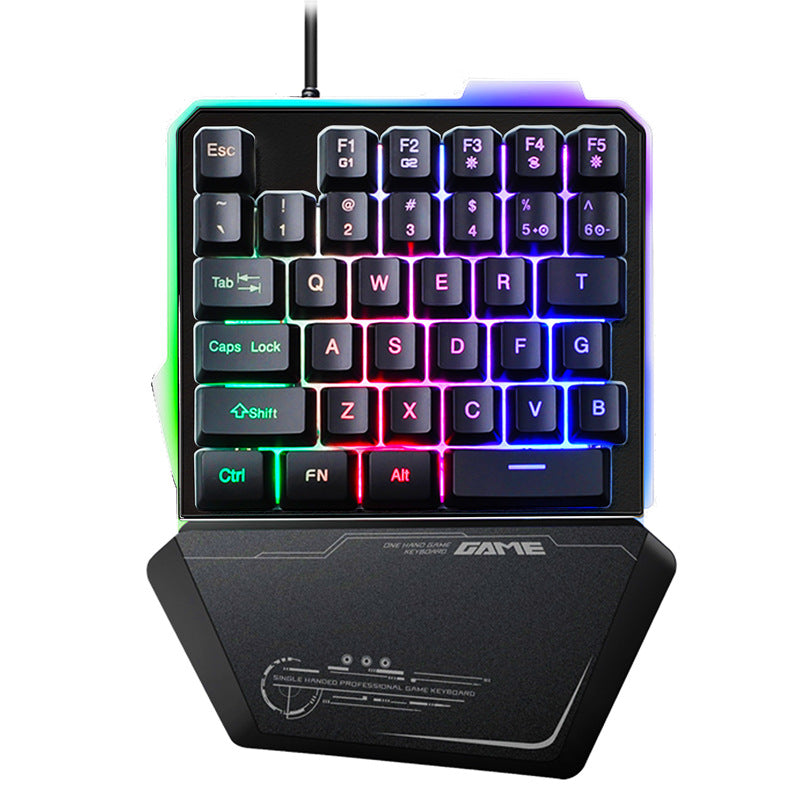
This keyboard is not only used for mobile games, it is also a good choice for notebook gamers. The 7-color version has a macro recording function and a good mechanical feel experience. It is easy to play various big moves.
Product function introduction:
1. The F1/F2 key comes with two macro recording function keys;
1: Press FN+ESC for about 3 seconds, the backlight will flash, enter the recording state, enter the recorded content, press FN+F1 to save after recording; the backlight stops flashing, press FN+F1 to broadcast the corresponding content;
2: F2 record key in the same order as above;
3: Clear the recorded keys, press FN+ESC key after the light flashes, press FN+F1/F2 to clear the corresponding recorded keys directly;
4. Allow this keyboard to run on Win2000, Win XP, Win ME, Vista, Win7, Win8, Android, linux, Apple and other operating systems.
5. Support a variety of stunning backlight effects, the operation is as follows
(1). Press FN+F3 key: 7 kinds of single color and one kind of mixed color light cycle switch.
(2). Press FN+F4 key: wave/colorful horse race: colorful? 1?7 color gradient flowing water, default wave style. Press again to enter the colorful cycle horse racing mode.
(3). Press FN+F5 key: the backlight is turned off/on, and the cycle is switched.
(4): Press FN+5 to adjust the speed of the streamer to become faster;
(5): Press FN+6 to adjust the speed of the streamer to slow down;
(6): Passed CE, FCC, KCC certification.
Packing list:
One-handed gaming keyboard + manual *1